Docs Reference
Keyboard shortcuts
Every key the terminal answers to, and the command bar on every page.
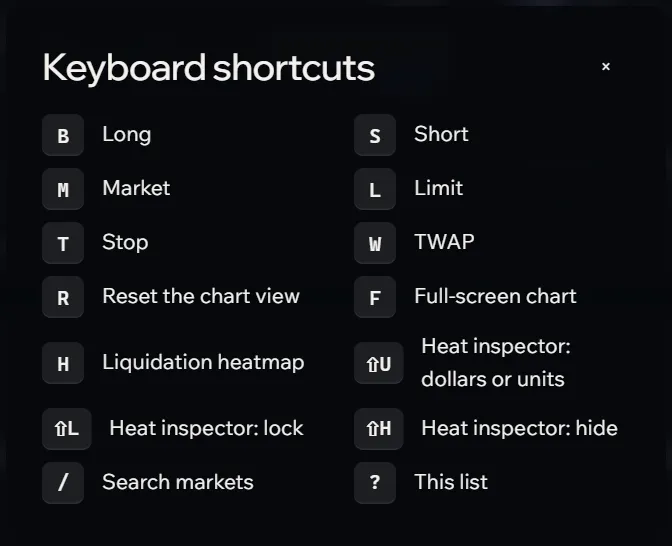
The terminal answers to the keyboard, and the command bar opens from any page. Keys are ignored while you type in a field.
| Key | Does |
|---|---|
| Ctrl K | The command bar, on any page (⌘ K on a Mac) |
| / | Search markets, in the terminal |
| B | Long |
| S | Short |
| M | Market order |
| L | Limit order |
| T | Stop order |
| W | TWAP |
| H | Liquidation heatmap on the chart |
| F | Full-screen chart, and back |
| R | Reset the chart view |
| Shift U | Heat inspector: dollars or units |
| Shift L | Heat inspector: lock it in place |
| Shift H | Heat inspector: hide it |
| ? | The list of keys, in the terminal |
In lists
The command bar and the market switcher move with ↑ and ↓, open with Enter and close with Esc. Esc also closes any dialog or menu.