Docs Guides
Trade an earnings report
Find the report, know the guarded minutes, and have an order go out on its own before the release.
A report can move a stock several percent in seconds, and these perps keep trading through it. Here is how to be ready for one.
1. Find it
The earnings calendar lists every report in your time, with before or after the market, the forecast and the stock’s usual move while shut. On the markets board, a stock reporting this week carries a tag with the day.
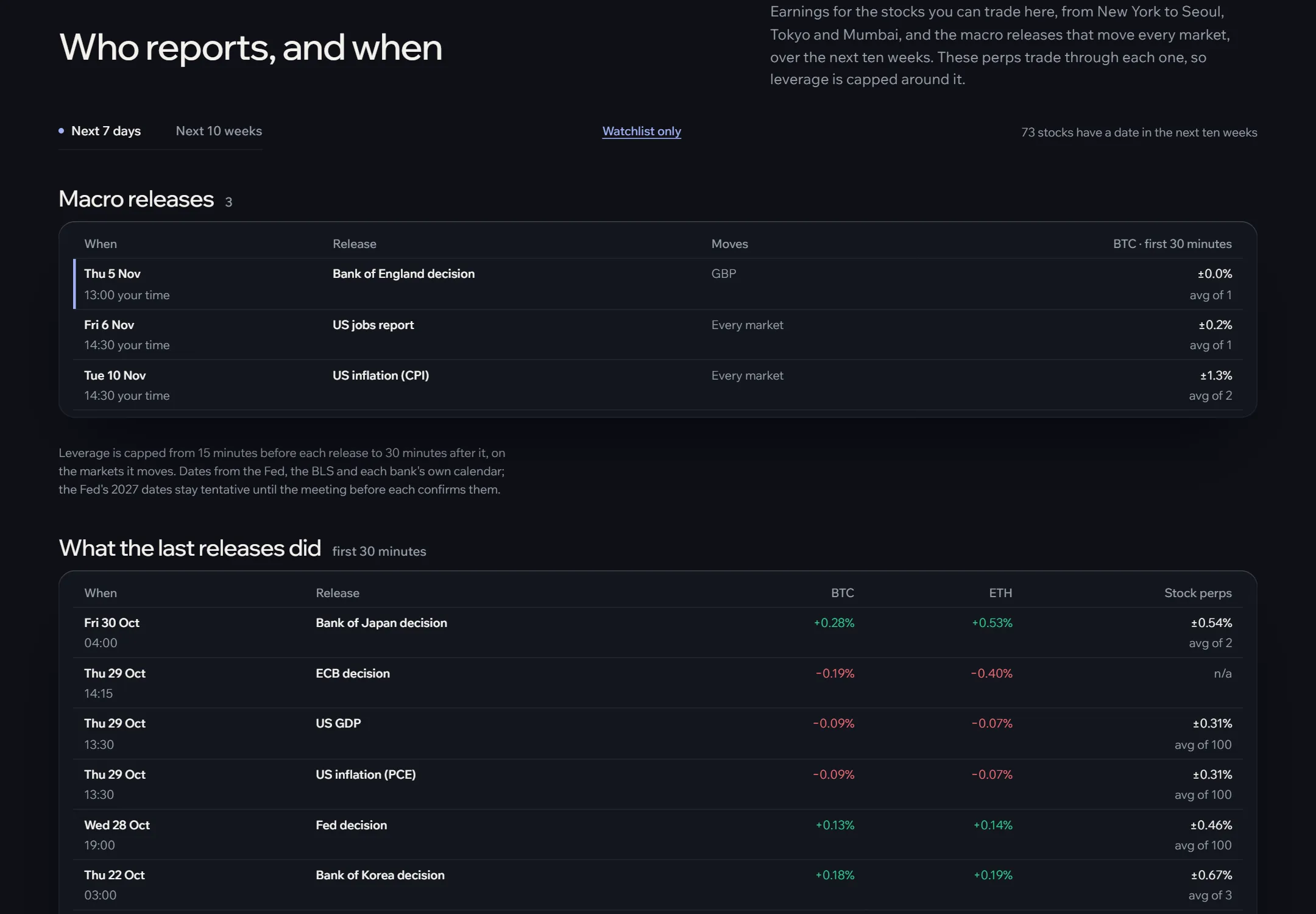
2. Know the guarded minutes
For a report before the open, leverage is capped at 3x from 06:30 New York until 15 minutes after the open; after the close, from 15:45 to 17:30. You can trade anyway; the cap is a default.
3. Place it to go out on its own
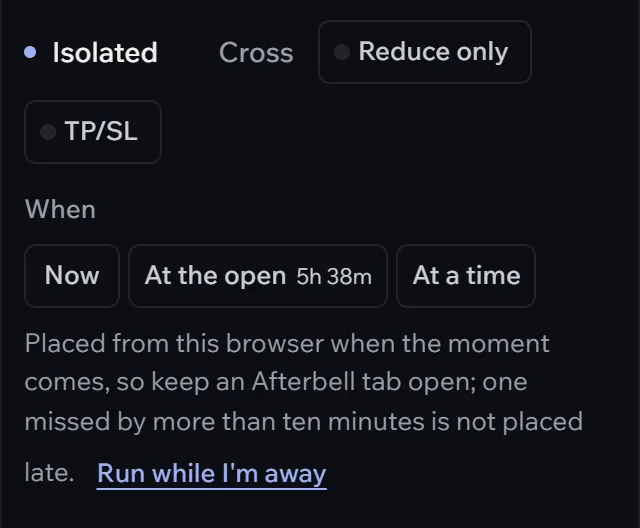
- Open the stock’s terminal. Choose Market or Limit, the side and the size.
- Under When, choose Before the report: the order goes out a few minutes ahead of the release, with the countdown shown.
- Switch on TP/SL, with a stop wider than the usual move: reports move more than ordinary nights.
- Turn on running while away if the tab may be closed by then.
Next morning it carries a Reported tag on the board, and the night report has how it moved.