Docs Trade
Order types
Market, limit, stop, scale and TWAP: what each does and when to reach for it.
The ticket has five order types in a row at its top. M, L, T and W pick Market, Limit, Stop and TWAP from the keyboard; B and S pick the side.
Market
Fills now against the book, within 1% of the mid, or cancels. While you type, the ticket walks your size through the book and shows the average fill and how far it is from the best price, or warns that the size is deeper than the book shows.
Limit
Rests on the book at your price until it fills or you cancel it. Click any price in the order book to make it the limit, or choose Limit here on a level you drew on the chart.
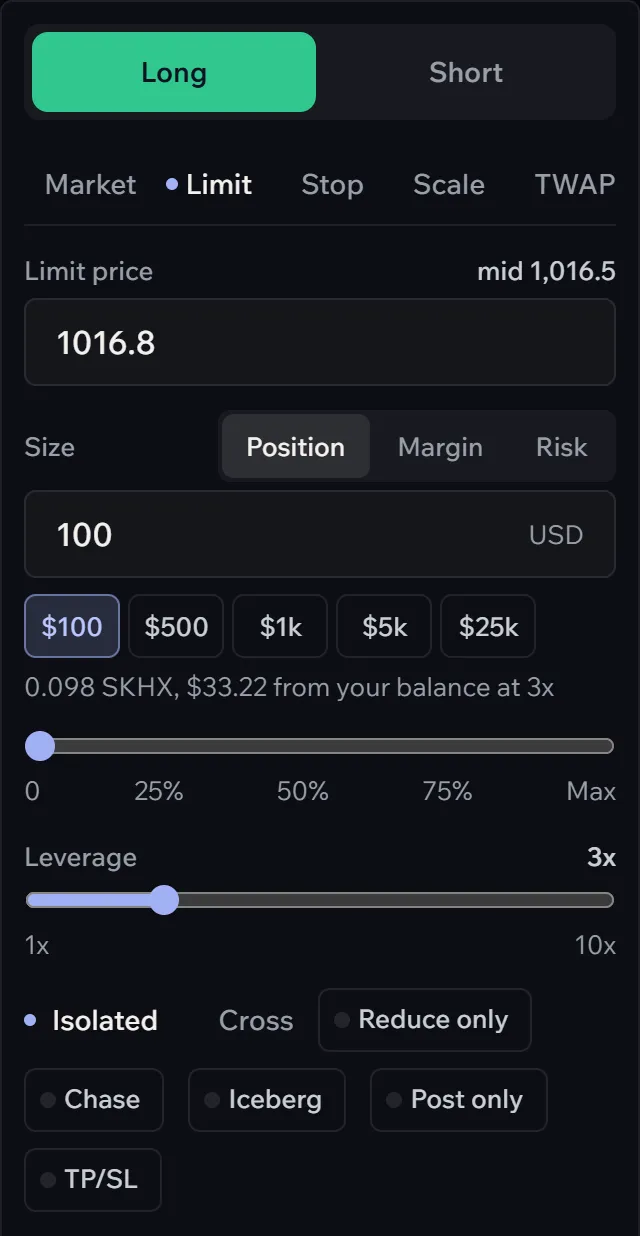
- Post only cancels the order instead of filling at once, so it always rests and pays the maker fee.
- Chase and Iceberg hand the order to an algorithm (Chase, iceberg and timed orders).
Stop
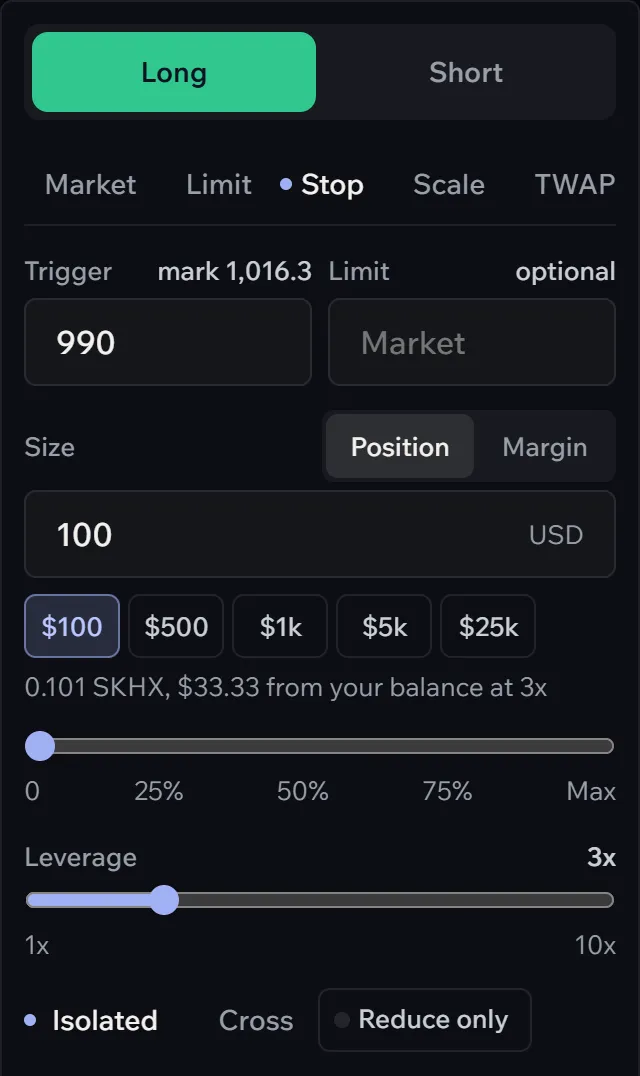
Arms at a trigger price. When the price reaches it, the order fills at market within 10%, or rests at a limit price if you give one. A sell stop below the price cuts a long; a buy stop above it cuts a short. A buy above the price or a sell below it in a fresh position is a breakout stop: it enters only once the move has started.
Scale
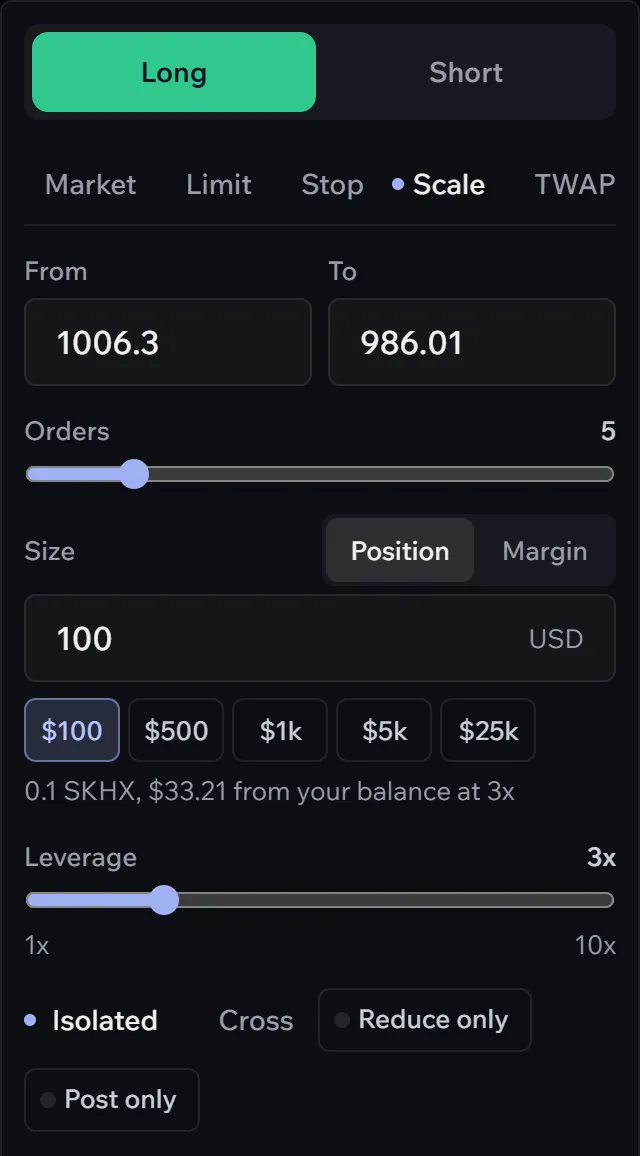
Spreads the size over 2 to 20 limit orders between two prices, evenly. It starts as a ladder 1% to 3% away from the price, on the side that waits to be filled; change either end. Good for buying a dip you cannot time.
TWAP
Hyperliquid works the order for you from 5 minutes to 24 hours, a slice every 30 seconds, so a large order does not move the price at once. Randomize varies the slices. Its progress shows under Open orders. Hyperliquid does not let a TWAP carry a builder code, so Afterbell charges nothing on it.
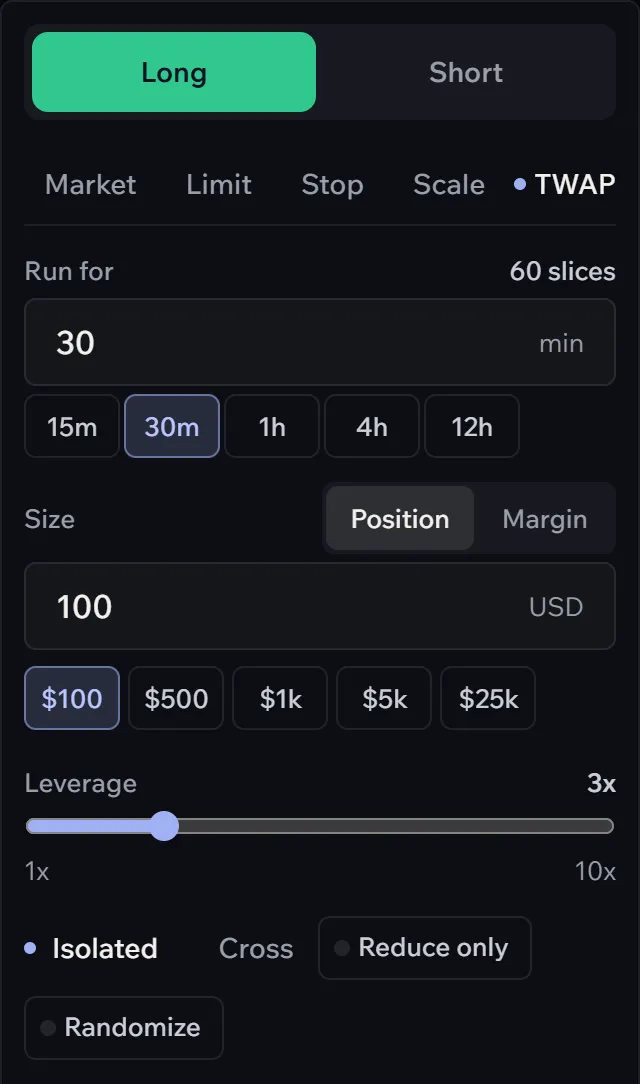
Every order can also be Reduce only, so it can only shrink a position, never open or flip one. And Market and Limit orders can wait for a moment, the open, the close or before a report (timed orders).